A TV setup can look “VPN-connected” without giving that television a VPN connection.
The practical sequence is to identify your television’s model and operating system, check whether it can run a native VPN app, fall back to a VPN-capable router if it cannot, and treat MediaStreamer as a separate DNS option rather than as a privacy feature.
MediaStreamer is the option most likely to be mistaken for a VPN connection, so it deserves a closer look.
Recommended products
- 1
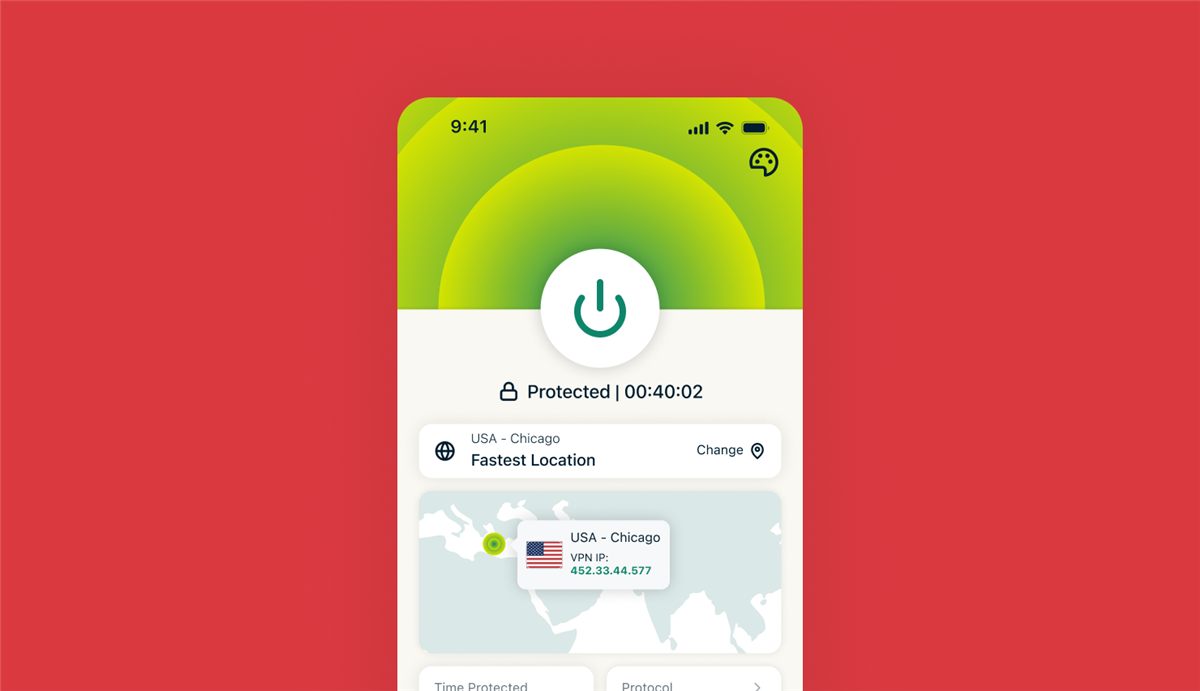
Image: ExpressVPN official promotional app illustration - not a performance comparison ExpressVPN subscription - TV setup compatibility check
Plans and billing terms vary; confirm the current checkout before buying. checked 2026-10-24
Match the supported TV connection method to your privacy goal; MediaStreamer DNS is not a VPN connection.
Buy ExpressVPN plans ↗- Provider describes MediaStreamer as DNS, not a VPN
- Provider states no traffic encryption or VPN privacy/security benefits
- Native Android TV app and router-app routes require device support
- Router-app device groups can use a DNS mode rather than VPN
Plans and billing terms vary; confirm the current checkout before buying. · Checked 2026-10-24
Buy ExpressVPN plans ↗
Start with the TV, not the router
First identify the television’s model and operating system in its settings or on its product label. Then compare that information with ExpressVPN’s current compatibility information for its Android TV app.
ExpressVPN describes an app for supported Android TV devices and lists Android 5.0 or later along with compatible brands and devices. That list is the provider’s own compatibility statement, not an independent test of your model or software version.
Both details matter, because the provider’s app requirements are stated for specific versions rather than for all televisions.
If your model is supported, a native VPN app is the clearest route when you want the television itself to use a VPN. ExpressVPN’s Android TV page describes installing its app, signing in, and connecting to a server.
If your model is not on the provider’s list, a router that runs the ExpressVPN app becomes the fallback to investigate. The router still needs to support that app and be set up to provide VPN service.
Confirm the router’s support for the app before counting on that route.
The router is the connection point, not proof that every device behind it is using a VPN.
On supported router-app versions, ExpressVPN documents device groups where a group can be assigned MediaStreamer instead. That DNS selection is not the VPN mode, even though it is made inside the router app.
Devices are connected by assigning them to the group you configured.
What MediaStreamer DNS does, and does not do
MediaStreamer is described by ExpressVPN as a DNS service. DNS helps a device find the network address associated with a service name; it is not an encrypted VPN tunnel.
The provider says MediaStreamer does not encrypt traffic, does not provide VPN privacy or security benefits, and cannot change locations. Those descriptions are vendor statements, not findings from an independent security audit.
Selecting a device group for MediaStreamer changes the DNS path for those devices. It does not turn the group into an encrypted VPN connection.
That distinction matters when privacy is the goal. A DNS route handles name lookups, while the VPN route is the one described as carrying encrypted traffic.
Privacy features should not be read into a DNS option. The provider’s own pages draw the same line between the two.
ExpressVPN’s Samsung TV guide discusses MediaStreamer and identifies the Samsung Crystal UHD DU8000 4K as the model used for its instructions. The company says the steps may be similar on most Samsung TVs.
Buy for the privacy goal you actually have
If your main reason for choosing a service is VPN privacy for the TV, look first for a supported native VPN app or a supported router configured for VPN service. Verify both before purchase.
A native app and a router setup are both VPN routes; they differ in where the app runs.
If neither route is confirmed for your equipment, wait and check compatibility rather than assuming MediaStreamer provides the same protection.
If your goal is a DNS-based connection and you accept those documented limits, MediaStreamer may be the route to investigate for a supported setup. It should not be chosen as a substitute for VPN protection.
If the privacy goal and your television’s actual support line up, ExpressVPN’s pricing page is a sensible place to compare plans before you decide. Match the setup you confirmed against the function you actually want, then choose.